
How to Install Apollo Group TV on LG and Samsung Smart TV (2026)
If you want to install Apollo Group TV on LG or Samsung Smart TV, you must know that these TVs do not run on Android. They use their own systems (WebOS and Tizen), which means the official Apollo APK will not work directly.
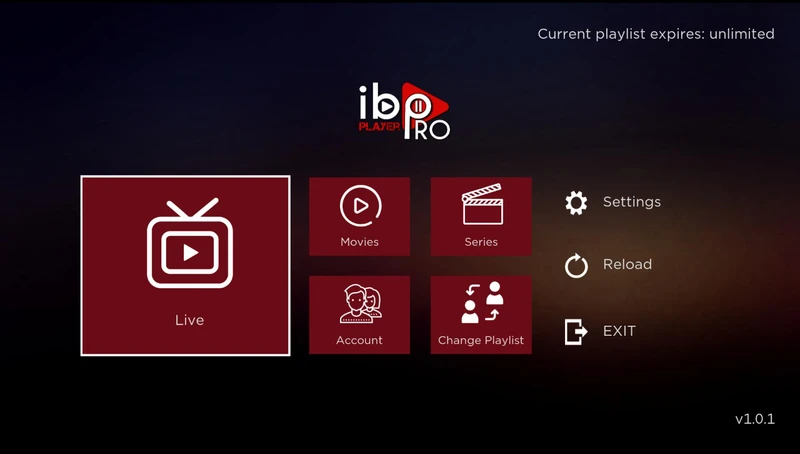
However, we have a perfect solution: IBO Player. This is a premium media player available on the Samsung and LG content stores that connects seamlessly with our service.
For a better experience, some users still prefer using a Firestick, but if you want to use the TV's native apps, follow the guide below.
Table of Contents
1. Install IBO Player on Samsung/LG
IBO Player is the best application for Smart TVs. It is fast, supports 4K, and has a very modern interface.
For Samsung Tizen:
- Press the Home button on your remote.
- Go to Apps.
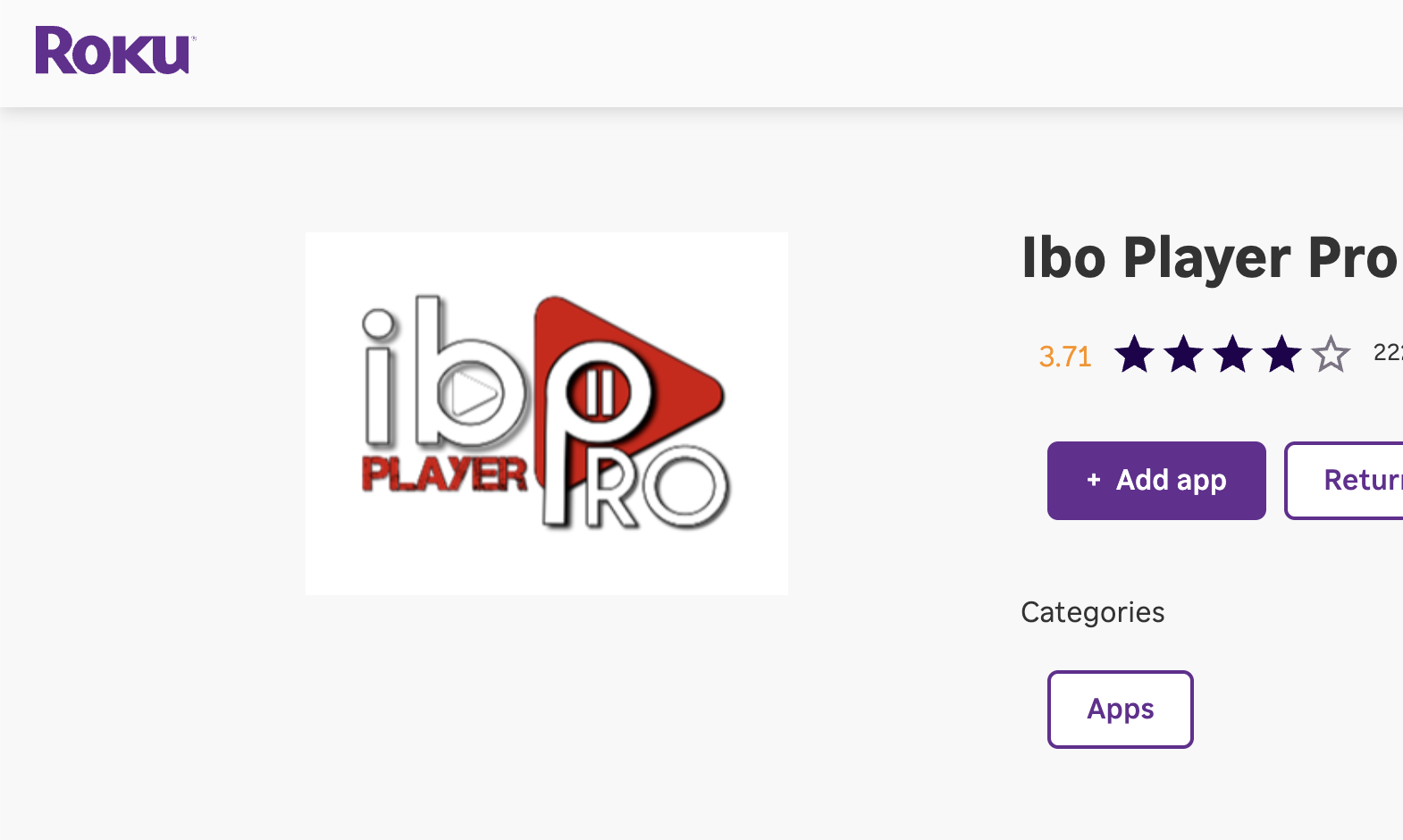
- Search for "IBO Player".
- Install and Open the app.
For LG WebOS:
- Press the Home button.
- Open the LG Content Store.
- Search for "IBO Player".
- Install the application.
2. Activate IBO Player (We Pay For You!)
IBO Player is not a free app; it usually requires a paid license after the 7-day trial. However, as a valued Apollo Group TV customer, we cover this fee for you.
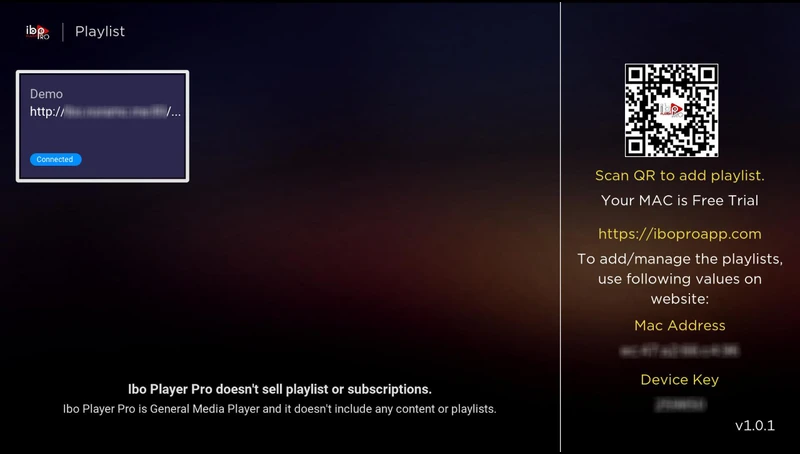
When you open the app, you will see a Device ID (MAC Address) and a Device Key on the screen.
How to Claim Your Free Activation
Simply send us a message on WhatsApp with your Device ID, and we will activate the app for you instantly.
Activate for FREE on WhatsApp3. Add Apollo Playlist
Once we have activated your app, you need to add your content. You can ask us to do this for you on WhatsApp, or do it yourself:
- Go to the IBO Player website: https://iboplayer.com/device/login
- Enter your Device ID and Device Key.
- Click Login.
- Select "Add M3U Playlist".
- Enter the name:
Apollo Group TV. - Paste your M3U URL (from your Apollo email).
- Click Save.
Once saved, go back to your TV and Restart the App. Your channels will load automatically!
4. Smart TV FAQs
Does the Apollo APK work on Samsung?
No. Samsung uses Tizen OS, which cannot run Android APK files. You must use a media player like IBO Player, Bob Player, or Nanomid.
Is IBO Player free?
No, it is a paid player. However, Apollo Group TV covers the activation cost for all our subscribers. Just text us on WhatsApp to get it unlocked.
My playlist isn't loading?
Ensure you copied the M3U URL exactly as it appears in your email. It is case-sensitive. If problems persist, try restarting your router and TV.